 PeekLUT
Exposure5 min read
How to Use False Color and Zebras on iPhone to Check Exposure
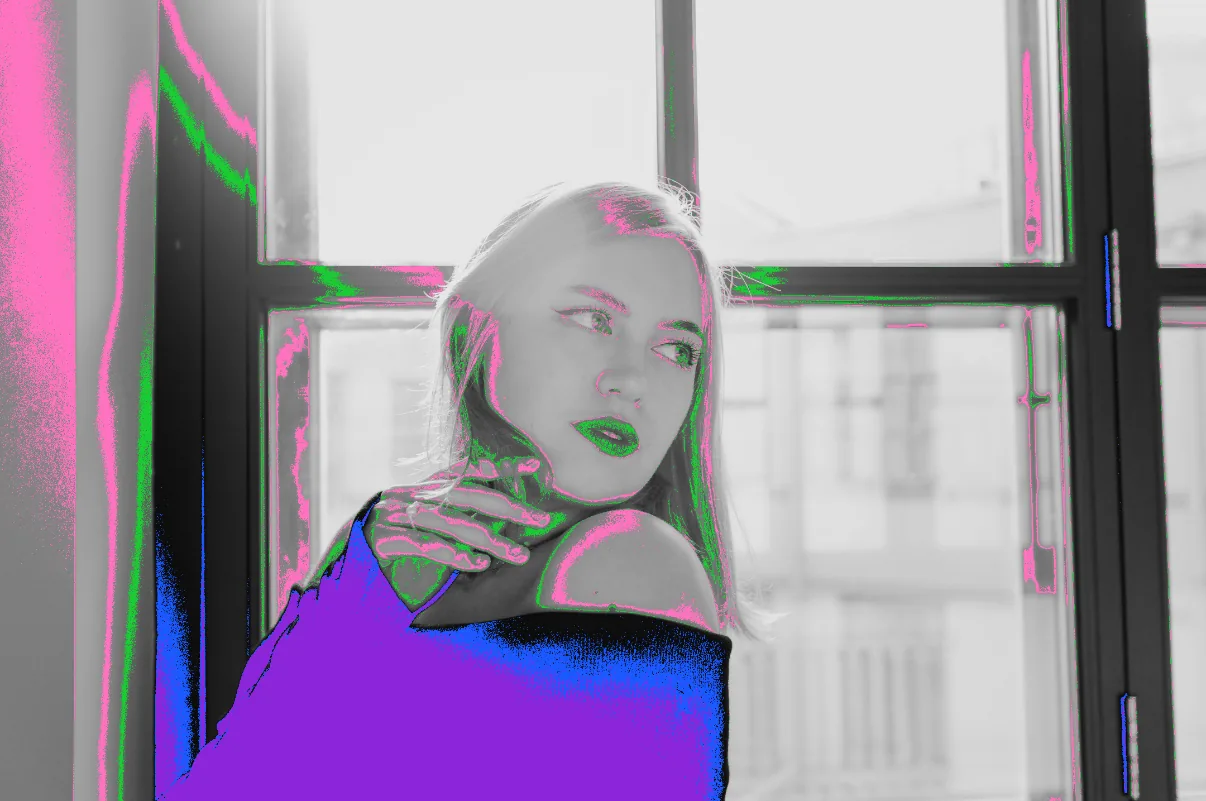
Turn on false color and zebras in PeekLUT to see crushed shadows, mid gray and clipped highlights on iPhone photos and video while you grade.
Practical color-grading guides built around real images, repeatable workflows, and the tools inside PeekLUT.
Turn on false color and zebras in PeekLUT to see crushed shadows, mid gray and clipped highlights on iPhone photos and video while you grade.
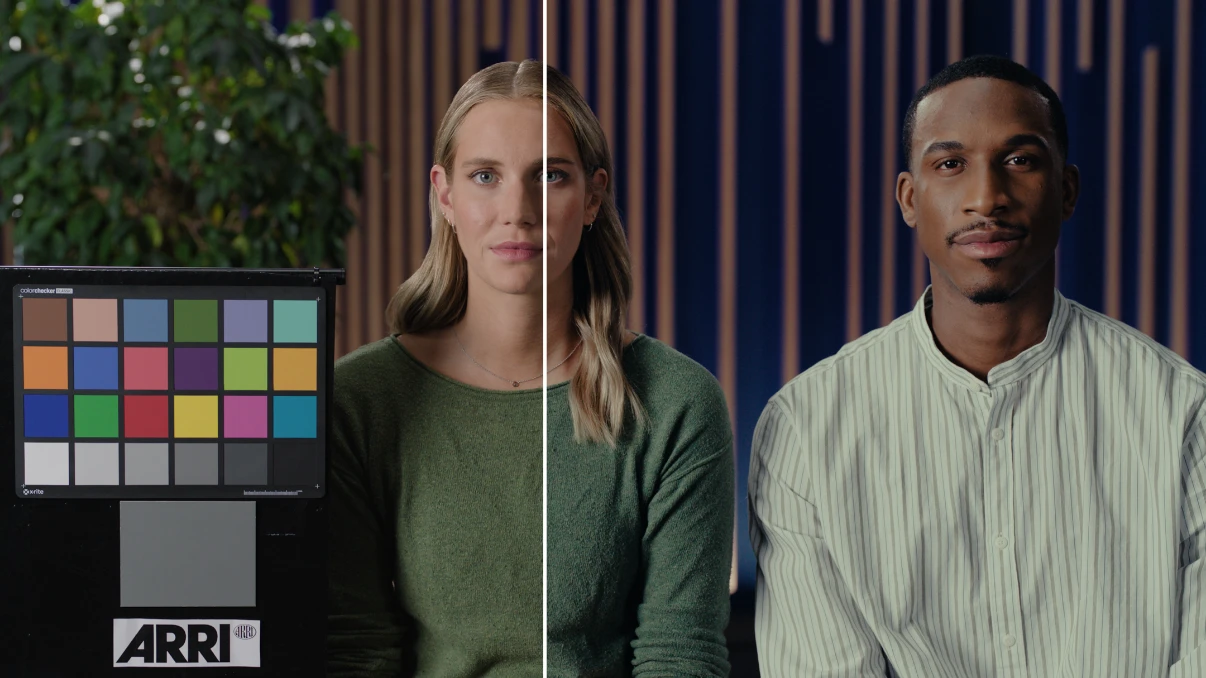
Import one or more .cube LUT files from Files, organize them in PeekLUT, apply them to photos or video, and avoid common color-space mistakes.
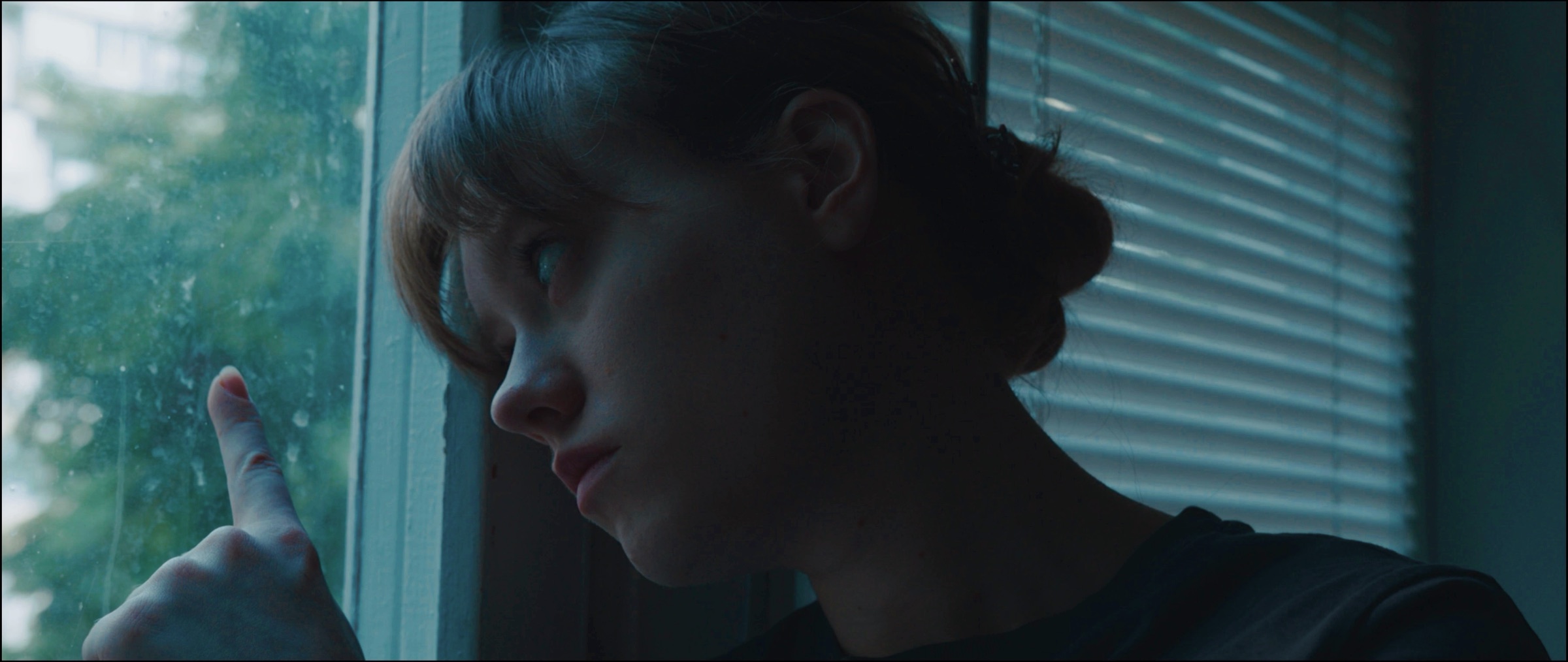
Learn a practical iPhone color grading workflow in PeekLUT: correct exposure, shape color, apply LUTs, use masks, add film texture, and prepare your export.
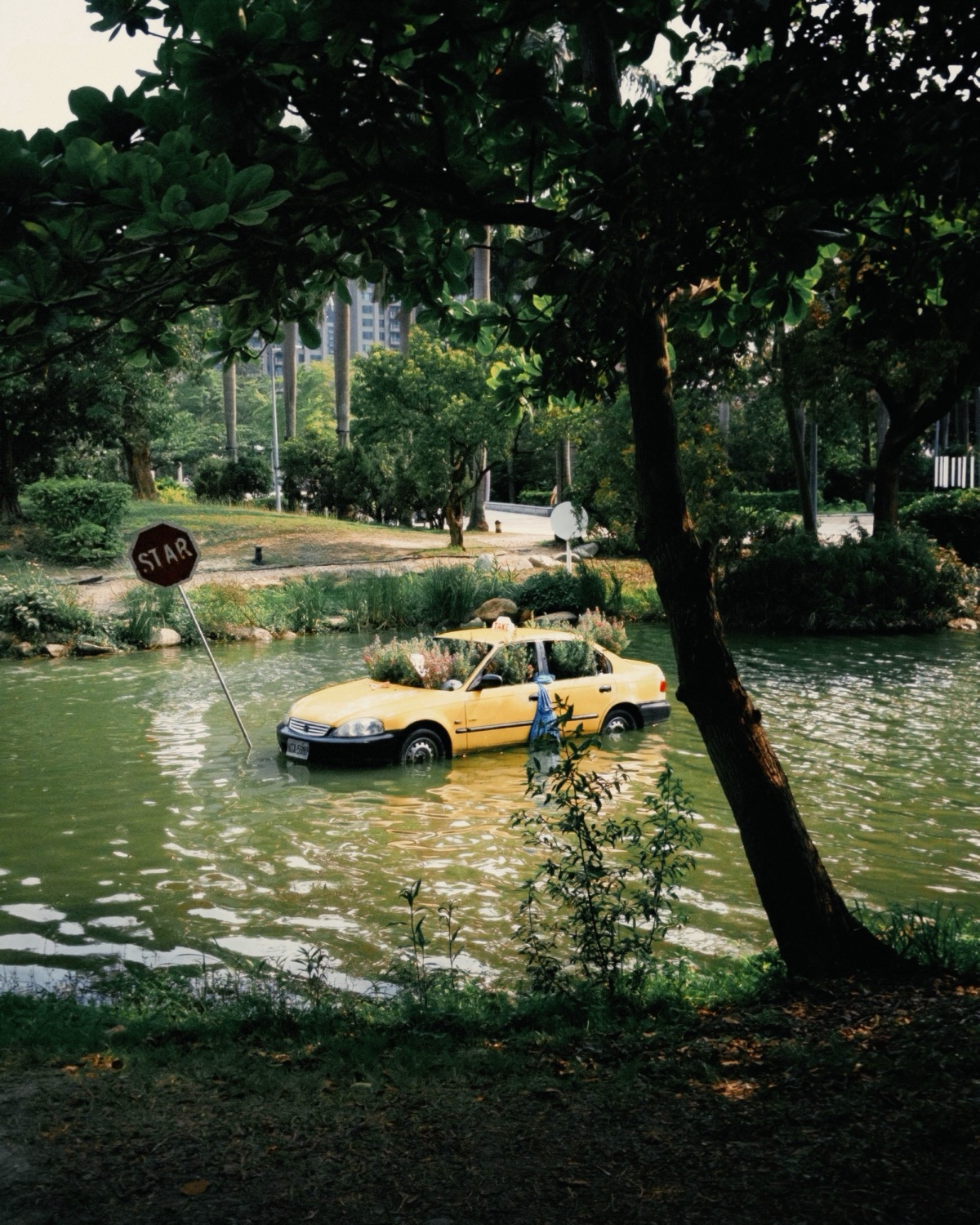
Learn how film print emulation shapes contrast, highlight roll-off, and paper tone, then build Matte, Neutral, or Glossy looks in PeekLUT.
Create a Technicolor-inspired look on iPhone with RGB cross-mixing, controlled contrast, careful skin tones, and film finishing in PeekLUT.